7-day free trial · No card required · From £45 per race
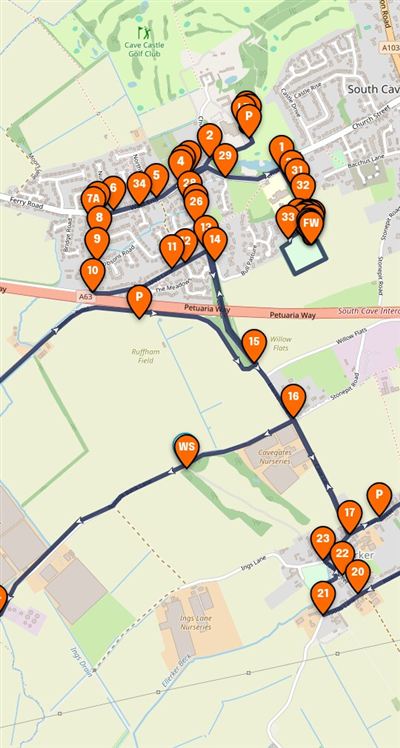
Marshal point 9Rob Taylor Checked in at 08:42See him on the live map →
South Cave 10k26-07-2026 @ 09:30am
Live9/12 checked in
Try it: search for a marshal or tap any pinTap a pin to try it
Checked inNot checked in
Use two fingers to move the map
Race day instructions
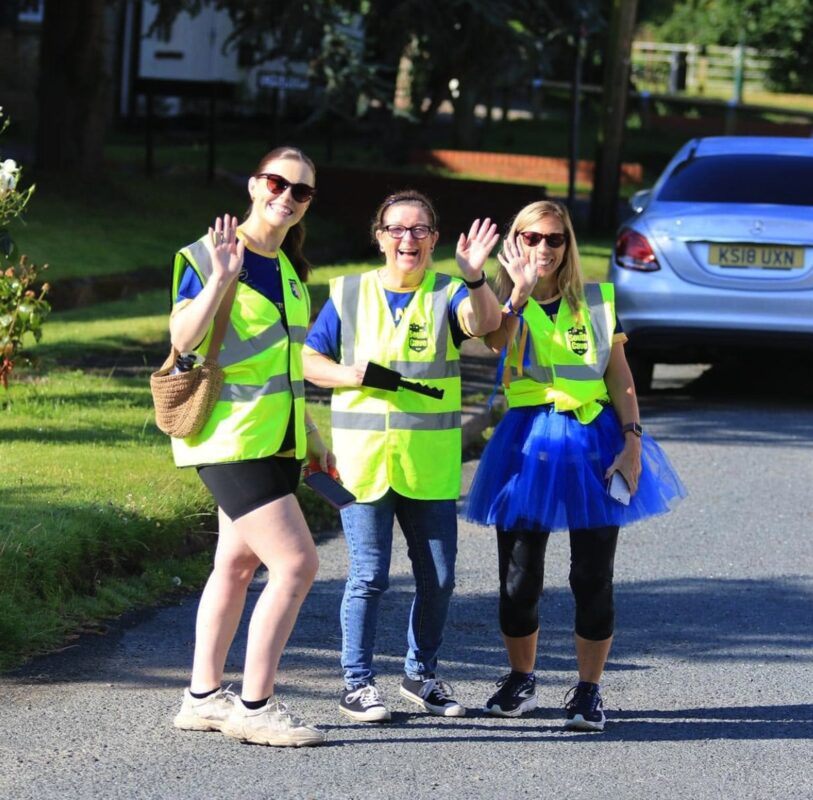
Please arrive at your marshal point at least 30 minutes before the race is due to reach you. Wear your high-vis vest and stand somewhere safe with a clear view of runners and traffic.
Stay in position until you're told the final runner has passed. If a runner needs medical help, call the event team and give your marshal point number.
Give your marshal team a clear view of the course, their assigned location and the information they need on race day.
1234
GPXsouth-cave-10k.gpx Imported · 10.4 km
01
Build your race map
Create your race route directly on the map or upload an existing GPX file.
Add marshal positions, junctions, crossings, facilities and other important locations so everything your team needs is clearly marked.
02
Organise your marshal team
Add your marshal team and assign each person to their position on the course.
You can upload existing marshal information from a spreadsheet, helping you avoid unnecessary manual data entry.
Marshal link
marshalmaps.co.uk/event/…
Copy linkCopied ✓
03
Share one simple link
Once your event is ready, share it with your marshal team using a simple link or QR code.
Marshals can open the event on their phone and find the information they need without downloading an app or creating an account.
Your point · 9Petuaria Way junctionArrive by 08:45
Check inChecked in
Race HQ can see you
04
Monitor your team on race day
When marshals arrive at their assigned location, they can check in through the event.
As an organiser, you can see who is checked in and get a clearer picture of your team's position before and during the race.
Plan the course
Draw it once. Reuse it every year.
Keep your route, marshal points and important facilities together on one map, ready to use for your next event.
Draw the route or import a GPX file
Add water, medical, toilets and HQ points
Pinpoint exact locations using what3words
RoutePointsImport GPX10.4 km
///filled.count.soap what3words
Brief the team
One link. Every marshal briefed.
Give volunteers the information they need to find their position and understand their role on race day.
Upload your marshal list from a spreadsheet
Share by link or QR code, with no logins
Export a PDF as a paper backup
No login needed
Your point · 9Petuaria Way junctionChecked in 08:42
Run race day
Know who's in position before the gun goes.
Live check-ins give you a clear view of which marshal positions are covered. If something changes, update the information and keep your team informed.
Live check-in and check-out
Tap to call or message any marshal
Last-minute changes, updated for everyone
Case study
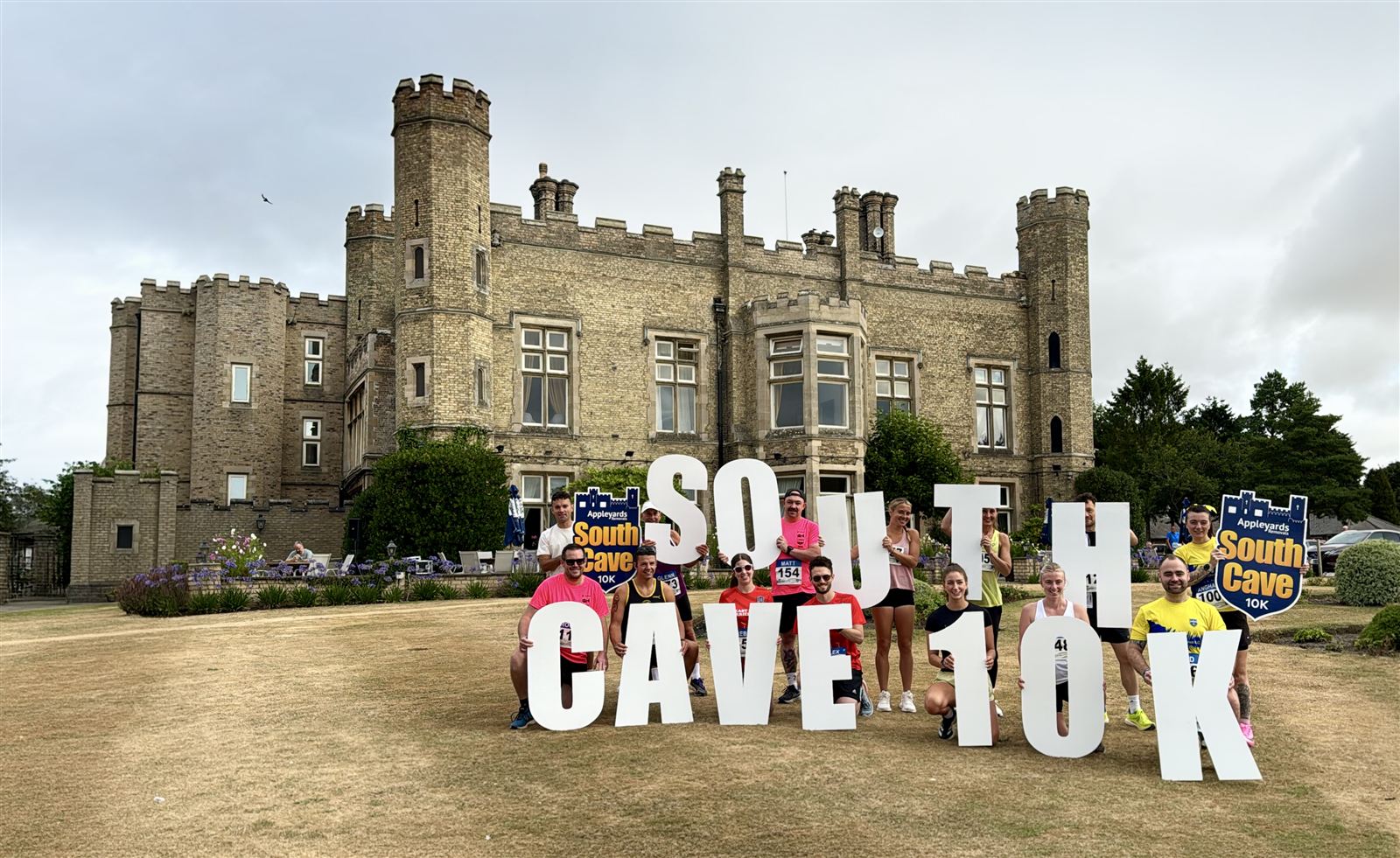
How South Cave 10k ditched the spreadsheets
Until this year, the race director managed 54 marshals with spreadsheets, printouts and a chat group. In 2026 they moved the whole team onto Marshal Maps.
1,100runners
54marshals
“It completely transformed our race morning. No more frantic radio calls trying to figure out if point 7 was covered.”
The marshals just opened the link, found their number, and walked straight to their spot. Far less chaotic.
SR
Sarah R.Marshal Coordinator, South Cave 10k
Pricing
Start free. Pay per race.
Standard
Everything you need to plan, share and run race day.
£45per race
Draw your race route or import a GPX file
Unlimited events, marshal locations and marshals
Marshal locations, roles and contact details
Upload existing marshal data from a spreadsheet
Live marshal check-in and check-out
Information points: water, medical, toilets, race HQ
Precise map locations with what3words
Race info and important phone numbers for marshals
Download all marshal information as a PDF
Share by link or a printable A4 QR code poster
Premium
Extra control for bigger, more complex races.
£65per race
Everything in Standard, plus:
Multi-stage routes
Tap-to-call and tap-to-message marshals
PIN-code protection for maps
Marshal areas drawn as polygons
Individually coloured marshal pins
Start with a Free Trial
Set up a free account, add your race event, marshal points and marshals. No card required.
What is Marshal Maps and how can it help me manage my race?
Marshal Maps brings your race route, marshal locations, race information and marshal check-ins together in one place. Instead of managing separate spreadsheets, maps PDFs, emails and messages, you can give your marshal team the information they need through one straightforward digital map. This helps you spend less time answering questions and managing information, and more time running your event.
Can I import my existing GPX route and marshal spreadsheet?
Yes. You can either draw your race route directly onto the map or import an existing GPX file. If you already have your marshal information in a spreadsheet, you can upload that along with the what3words locations for your marshal positions, so you don’t have to enter everything manually.
How do I assign marshals to specific locations on my race route?
You can add and label marshal locations directly along your route, including junctions, road crossings, turns, entrances and other areas that need attention. You can also assign multiple marshals to the same location where more than one person is required.
Can I give marshals an exact location using what3words?
Yes. Marshal Maps supports what3words positioning, allowing you to give marshals a precise location when a road name, postcode or general description isn’t specific enough. This can be particularly useful when you need a marshal to stand at an exact position.
Do marshals need to download an app or create an account?
No. Marshals don’t need to download an app. They can open the event map on their phone, find their assigned location and view the information you’ve provided. This keeps things simple for volunteers and avoids asking them to learn another piece of software.
How do marshal check-ins work on race day?
When a marshal arrives at their assigned location, they can check in through the event. When they’ve finished, they can check out. As an organiser, you can see who has checked in and get a clearer picture of who has arrived and who has finished.
Can I send important updates and messages directly to my marshals?
Yes. Marshal Maps allows you to send a broadcast message directly to your marshals’ phones. This can be useful when something changes on race day, such as a road closure, start time, weather conditions or another important instruction that everyone needs to know.
How can I share my race map with the marshal team?
Once your event is ready, you can share the map with your marshal team using a link or a QR code. You can also print an A4 QR poster for your race HQ or briefing area. If you need a physical version of the marshal information, you can export it as a PDF.
What counts as one race?
One race on one date, with its own marshal team. If you run several distances from the same HQ on the same day, say a 5k and a 10k, that's still one race: add each course as a route on the same map.
Is it a subscription?
No. You pay once per race. Your map, marshal list and settings stay in your account, ready to reuse for next year's race.
Sign up for your free trial
Build your first marshal map today. Try every feature free for 7 days.
 Marshal Maps